CRM Data Migration: A Cutover Checklist That Preserves Buyer Context
Move CRM data without mistaking imported rows for a working sales system. Scope records, map relationships, test a sample, validate the cutover and keep a rollback path.
By Miljan @ Lead Scorer 8 min read
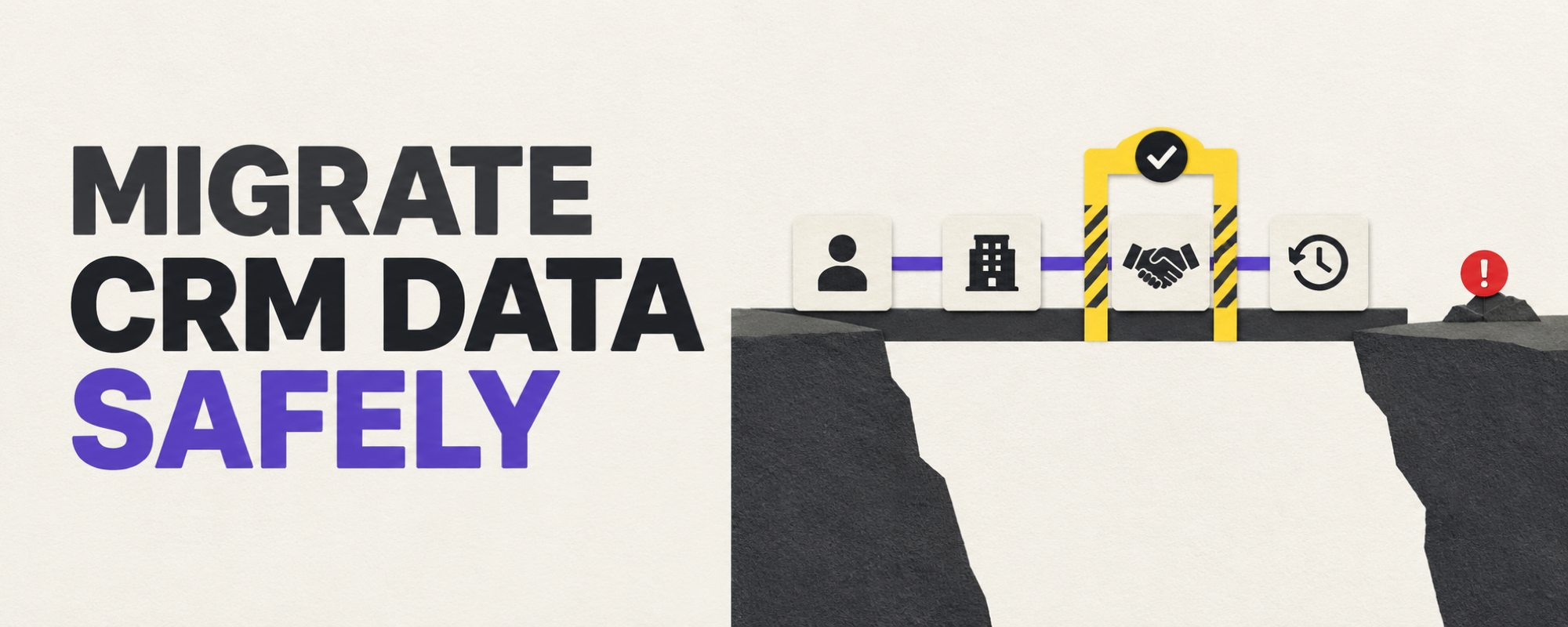
A CRM data migration is successful when a seller can open an active account and understand who owns it, what the buyer agreed to, and what happens next. A matching contact count is useful evidence, but not proof that the relationships, history and workflows survived.
Use this checklist whether you are changing vendors or moving a smaller sales list into a CRM. Scale the testing to the risk. A contacts-only import can be simple; a move involving deals, automations and activity history needs an explicit migration design.
1. Define the work that must still happen on day one
Write three to five tasks that must work after cutover: find an account, identify its owner, read the last material conversation, follow up on an open deal, and produce the pipeline view the team uses. This is a better acceptance test than “the CSV uploaded.” Give each task an owner who will test it in the destination system.
List the source objects behind those tasks: people, companies, opportunities, notes, tasks, consent or preference fields, and any custom object. Mark each as migrate, archive with access, or exclude with a reason. An inactive record may not belong in the new operational CRM; an active buyer's context should not disappear because it was stored as an old note. Our CRM audit guide helps find the source errors worth fixing before export.
2. Map meaning and relationships, not just column names
For every field needed by those tasks, record its source definition, destination field, type, allowed values, owner and transformation rule. A source field called “stage” may not mean the same thing as the destination stage. A blank value may mean unknown, not “no.” Decide what to do when there is no equivalent field; do not quietly squeeze two meanings into one column.
Keep a stable source identifier and a source-to-destination ID map where the target supports it. Load parent records before dependent records, then reconnect people, accounts and deals using that mapping. Salesforce's migration guidance explicitly calls for object scope, dependency order, legacy IDs, a small test load and post-import validation. Your destination's own documentation determines the exact import order and identifiers.
3. Make deduplication and history separate decisions
Normalize obvious formats before matching, but do not merge every row sharing an email or domain. A person may have changed companies; a shared mailbox may represent a team. Define “same record,” “possible match requiring review,” and “new record.” Keep a decision log for ambiguous merges. Preserve the original source and relevant activity even if identities are consolidated.
Activity history deserves its own scope rule. Ask which conversations, decisions and open tasks are needed to work current opportunities. Then test that they appear under the right account or deal, with usable dates and ownership. If the target cannot import a history type, retain a controlled, searchable archive and tell the team where it is. Do not call that a complete in-app migration. HubSpot distinguishes a quick contact import from advanced imports that handle other objects and associations; check the capabilities and limits of your chosen destination rather than assuming all imports are equivalent.
4. Rehearse on a representative slice
Select a small test set that includes a clean account, a duplicate candidate, an open deal with multiple contacts, a missing owner, a custom field, and important past activity. Run the exact mapping and import sequence you intend to use in production. Compare source and target record counts by object, then inspect individual records and their links. Count rejected rows and unresolved exceptions; a successful upload can still leave incorrect associations.
Have a seller perform a real task in the test system. Can they see the previous decision, choose the right contact and take the next action without asking the migration team? If not, record the defect and rerun the slice. A technical import check and a user workflow check answer different questions.
5. Set a cutover gate and a rollback path
Before cutover, name who can approve it, when source writes stop, how changes made during the transition are reconciled, and what triggers a pause. Verify active integrations, permissions, routing and reports against the day-one tasks. Keep a secure export or backup of the source and document who can restore access if validation fails. A rollback may mean temporarily returning to the old system; it is not always a one-click undo of imported records.
After cutover, monitor failed syncs, unexpected duplicates, unassigned records and lost associations. Assign each exception an owner and resolution deadline. Keep the legacy system accessible according to your retention and security obligations until the team has verified the needed history. For personal data, the CNIL's minimization principle is a useful reminder: “copy everything forever” is not a default retention strategy.
A simple acceptance sheet
- Scope: every source object is marked migrate, archive or exclude.
- Mapping: decision-critical fields have a documented meaning and rule.
- Links: sampled contacts, accounts, deals and activities remain connected.
- Workflow: a seller completes each agreed day-one task.
- Exceptions: rejected rows and ambiguous matches have owners.
- Recovery: the source backup, access plan and cutover stop rule are tested.
Lead Scorer provides a contacts CSV import with a preview and LinkedIn-profile import options. That can help establish a clean prospecting list, but it should not be treated as a promise to migrate another CRM's deals, automations or full activity timeline. If your immediate need is a verified contact list for prospecting, see our data-enrichment guide and Lead Scorer plans. For a full CRM move, validate every object and workflow in the destination you choose.
Frequently asked questions
What is CRM data migration?
It is the planned transfer of the records and relationships a team needs from one CRM to another, followed by validation that sales work still functions. Copying contacts alone is not necessarily a complete migration.
What should be tested before a CRM cutover?
Test a representative import, record counts, field values, account-contact-deal associations, ownership, important activity history, integrations, permissions and the team's ability to complete a real sales task. Document an owner and stop rule for exceptions.
Should all historical CRM data be imported?
No universal rule fits every team. Decide what is needed for active work, legal retention and reference; document what remains in a controlled archive. Do not silently discard the history needed to understand an open opportunity.