Product Demo: A 7-Step Buyer-Led SaaS Demo Framework
Run a product demo that proves one buyer outcome instead of touring every feature. Use this seven-step SaaS demo framework, agenda, and scorecard.
A product demo should help a buyer answer one question: can this product improve the situation we discussed? Most weak demos answer a different question: how many features can the seller show before the meeting ends?
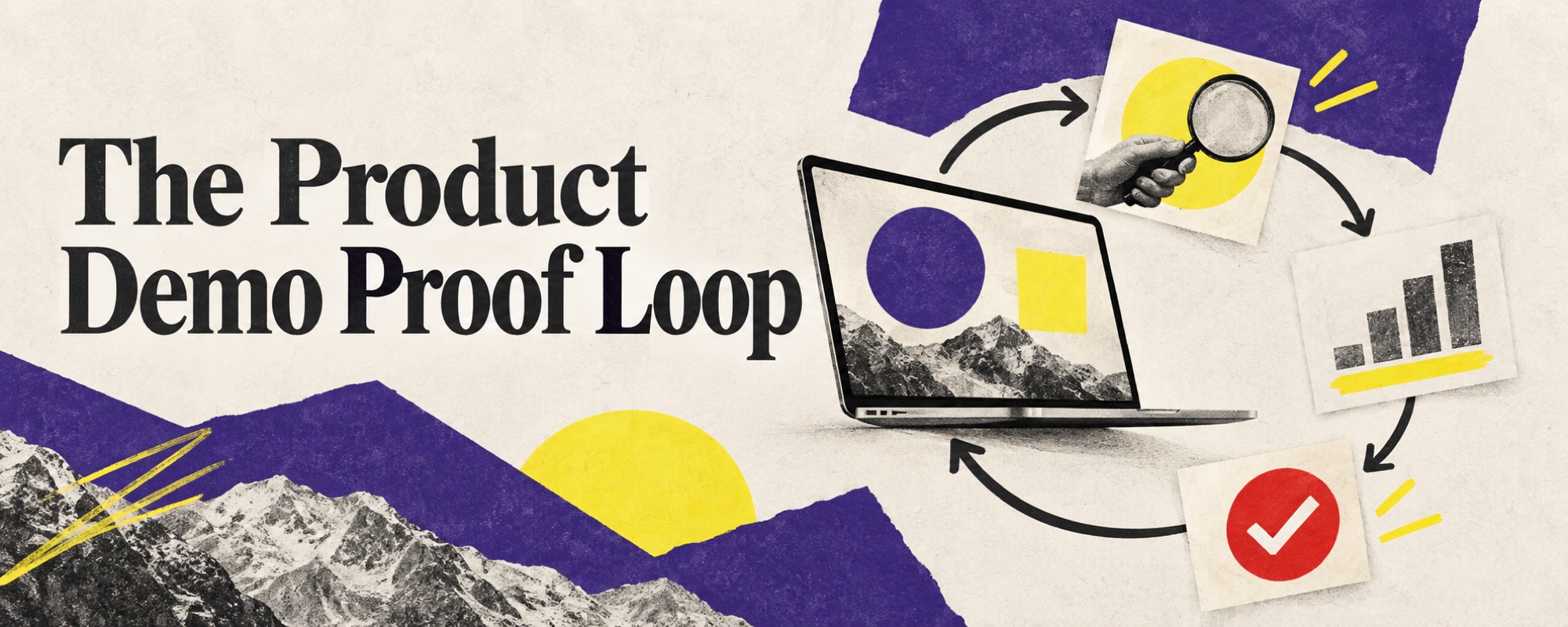
The difference is a proof loop. The buyer names a workflow and a decision, the seller agrees on what must be demonstrated, the product produces observable evidence, and both sides decide what to test next. This guide turns that loop into a seven-step framework for live SaaS demos, with a lighter path for recorded and interactive demos.
What is a product demo?
A product demo is a live, recorded, or interactive presentation that lets a potential customer see how a product handles a relevant task. In B2B sales, its job is not to replace discovery or to recite the interface. Its job is to reduce a specific uncertainty in the buying decision.
| Format | Best use | Main risk |
|---|---|---|
| Recorded video | Early education and a stable, short workflow | Generic feature tour with no buyer context |
| Interactive demo | Self-guided exploration before a sales call | Mistaking clicks for a qualified buying signal |
| Live role-based demo | Repeatable use case with known buyer questions | Using one script for different decisions |
| Configured or custom demo | Qualified, high-value opportunity with unique proof needs | Spending days on an account that has not earned the effort |
| Pilot or proof of concept | Testing a material technical or operational uncertainty | Running an open-ended trial with no rollout decision |
These formats can work together. An ungated interactive demo may help a buyer understand the category. A live session can test a workflow. A pilot can verify the last material risk. The error is asking every format to do every job.
The product demo proof loop
Use seven steps to move from product presentation to decision evidence.
1. Qualify whether a demo is the right next step
A demo is not the reward for filling out a form. Run one when you know the buyer, the current process, the trigger for change, and the uncertainty the product can reduce. If those are still unknown, continue discovery. Our sales discovery questions provide a practical sequence for collecting that evidence.
Before accepting the meeting, complete four fields:
- Current workflow: what happens today and who is involved?
- Business friction: where does the workflow lose time, money, control, or accuracy?
- Decision: what is the buyer deciding and by when?
- Demo question: what must the product prove for the process to advance?
If the last field is “show the platform,” the opportunity is not ready. Rewrite it as an observable question, such as: can the sales operations team prioritize account activity without exposing personal visitor identity or manually joining five exports?
2. Write the proof criteria with the buyer
Convert the demo question into two or three criteria. Each criterion should name an input, an action, and a visible result. “Easy to use” is an opinion. “A manager can create a qualified account view from approved company-level signals in under one working session” can be tested.
Christian Lund, co-founder of Templafy, described this discipline in an August 2026 episode of The SaaS Podcast. His team would not enter a proof of concept merely to learn whether a prospect liked the product. They agreed on what the test had to prove and what rollout would follow if it worked. He summarized the response to a small pilot as “yes, if.” Listen to the Templafy episode.
Apply the same rule before a demo. Agree on the evidence before presenting the interface. This prevents a late objection from silently changing the definition of success.
3. Choose one workflow, not the whole product
Select the shortest path from the buyer's current state to the outcome under discussion. A useful demo story has five beats:
- the situation or trigger;
- the input available to the user;
- the decision or action the user takes;
- the product response;
- the business evidence visible afterwards.
Move secondary capabilities into an appendix. When a buyer asks about one, first clarify why it matters. Then show only the part that answers the question. This keeps the session responsive without surrendering it to random navigation.
4. Personalize at the level the opportunity has earned
Personalization can mean using the buyer's terminology, configuring a role, loading realistic data, or building a bespoke environment. Those efforts have different costs. Match them to deal quality and uncertainty.
| Level | Preparation | Use when |
|---|---|---|
| Contextual | Buyer language, role, and named workflow | Early qualified call |
| Configured | Relevant fields, data, permissions, and integration path | Real opportunity with known criteria |
| Custom | Prospect-specific content or working prototype | High-value decision with a justified build cost |
Yega Kumarappan says Paperflite spent eight to ten hours building a prospect-specific content hub before many enterprise demos. In his account, conversion rose from roughly 2–3% to 17–20% after the team tested the custom approach. The important lesson is not that every demo deserves ten hours. Paperflite applied the work to a high-touch enterprise motion and later limited it by deal size and brand value. Listen to the Paperflite episode.
Treat those numbers as one operator's result, not a benchmark. Track your own preparation time and incremental conversion. Stop custom work when a role-based path produces the same decision quality.
5. Open by confirming the contract
Use the first five minutes to confirm the meeting rather than repeating a corporate deck:
We agreed to test whether your team can move from [current state] to [outcome] while meeting [criteria]. I will show one workflow, then we will check what it proves and what remains open. Has anything changed since discovery?
Invite correction. If a new stakeholder has joined, ask what that person needs to learn. If the decision changed, stop and reset the proof criteria. A polished demo of the wrong decision is still the wrong demo.
6. Show, pause, and test the evidence
Demonstrate in short blocks. After each one, ask the buyer to connect the behavior to the current workflow. Useful prompts include:
- Where would this step sit in your process?
- Which role would own this action?
- What would make this evidence unreliable for you?
- Which exception does the standard path need to handle?
- Has this met the criterion we wrote, or is something still missing?
Do not invent a capability to keep momentum. Record the gap, its owner, and how it will be tested. If the product uses AI, distinguish a deterministic rule, a configurable guardrail, and a probabilistic output. The buyer needs to know which result can be guaranteed.
7. Close on a decision, not applause
A positive reaction is not a next step. Revisit the criteria and classify each as proved, partially proved, or unproved. Then choose one action: commercial proposal, technical review, stakeholder demo, defined pilot, nurture, or disqualification.
Julius Körfgen described a compressed version of this loop at Uplane: discovery with potential users, a promise to return in one week, and a working demo built around the problem discussed. He also refused free pilots because payment distinguished a business case from polite interest. That method helped his founding team validate an early product; it does not mean every mature SaaS company should build a new feature for each prospect. Listen to the Uplane episode.
A product demo agenda you can reuse
| Time | Activity | Output |
|---|---|---|
| 0–5 min | Confirm decision, workflow, attendees, and criteria | Shared meeting contract |
| 5–10 min | Restate the current state and desired outcome | Buyer correction or agreement |
| 10–30 min | Demonstrate one workflow in short blocks | Evidence and buyer reactions |
| 30–40 min | Test exceptions, integrations, and controls | Known gaps and owners |
| 40–45 min | Score criteria and set the next action | Owner, date, and decision path |
Adjust the duration to complexity. Preserve the sequence even in a fifteen-minute session. The buyer should still know what is being tested and what happens after the evidence.
How to measure product demo quality
Review the motion at three levels:
- Efficiency: preparation hours, attendance, and time to follow-up.
- Evidence: criteria agreed, criteria proved, stakeholder coverage, and open risks.
- Progression: accepted next step, opportunity conversion, cycle time, and win rate.
Segment the results by demo type. A custom demo may convert more often because better-qualified deals receive it. Compare similar opportunities before attributing the difference to personalization. Managers can use the practice model in our sales enablement training guide to review demo recordings against the same criteria.
Product demo checklist
- The buyer's decision and current workflow are written down.
- Two or three proof criteria are agreed before the interface appears.
- The demo follows one relevant workflow.
- The personalization effort matches opportunity value and uncertainty.
- Claims, data, permissions, integrations, and AI limits are represented honestly.
- At least one buyer question follows every demonstration block.
- Open gaps receive an owner and test.
- The next action has an owner, date, and decision it will support.
A strong product demo does not make the product look busy. It makes the buying decision easier to evaluate. Start with the uncertainty, design the shortest credible proof, and stop when the evidence is sufficient to choose the next step.
Frequently asked questions
What is a product demo?
A product demo is a live, recorded, or interactive presentation that helps a buyer test whether a product can solve a specific problem. A useful B2B demo connects a known workflow to observable proof and a defined next step instead of presenting every feature.
How do you structure a SaaS product demo?
Confirm the buyer's decision, restate the current workflow, agree on two or three proof criteria, show one relevant path through the product, pause for buyer questions, test the evidence, and finish with an explicit next step. Keep a separate appendix for features that are not central to the decision.
How long should a product demo be?
The demo should be only as long as needed to test the agreed proof criteria. A short self-guided demo may take a few minutes, while a complex enterprise session may need 30 to 60 minutes. Reserve time for the buyer to react, question assumptions, and define the next step.
Should every prospect receive a personalized demo?
No. Personalization is worth the effort when deal value, buyer fit, and uncertainty justify it. Use a standard role-based demo for repeatable situations, configure data or workflows for qualified opportunities, and build a fully custom environment only when the potential value exceeds the preparation cost.
What should happen after a product demo?
Record what the demo proved, what remains uncertain, who else must evaluate the decision, and the next action with an owner and date. If a pilot is required, define the success criteria and the rollout decision before the pilot starts.
What metrics should a sales team track for product demos?
Track qualified demo rate, preparation time, attendance, proof criteria met, stakeholder coverage, next-step acceptance, demo-to-opportunity conversion, cycle time, and win rate by demo type. Avoid treating feature coverage or call duration as success metrics.